Indoor air quality monitor
- Intent
- Measure indoor CO₂ every five seconds
- Component
- SCD41 · I²C · 3.3 V
- Schematic
- SDA → GPIO 21 · SCL → GPIO 22
- Firmware
- Wire.begin(21, 22) · address 0x62
- Review
- Interface and voltage choices aligned
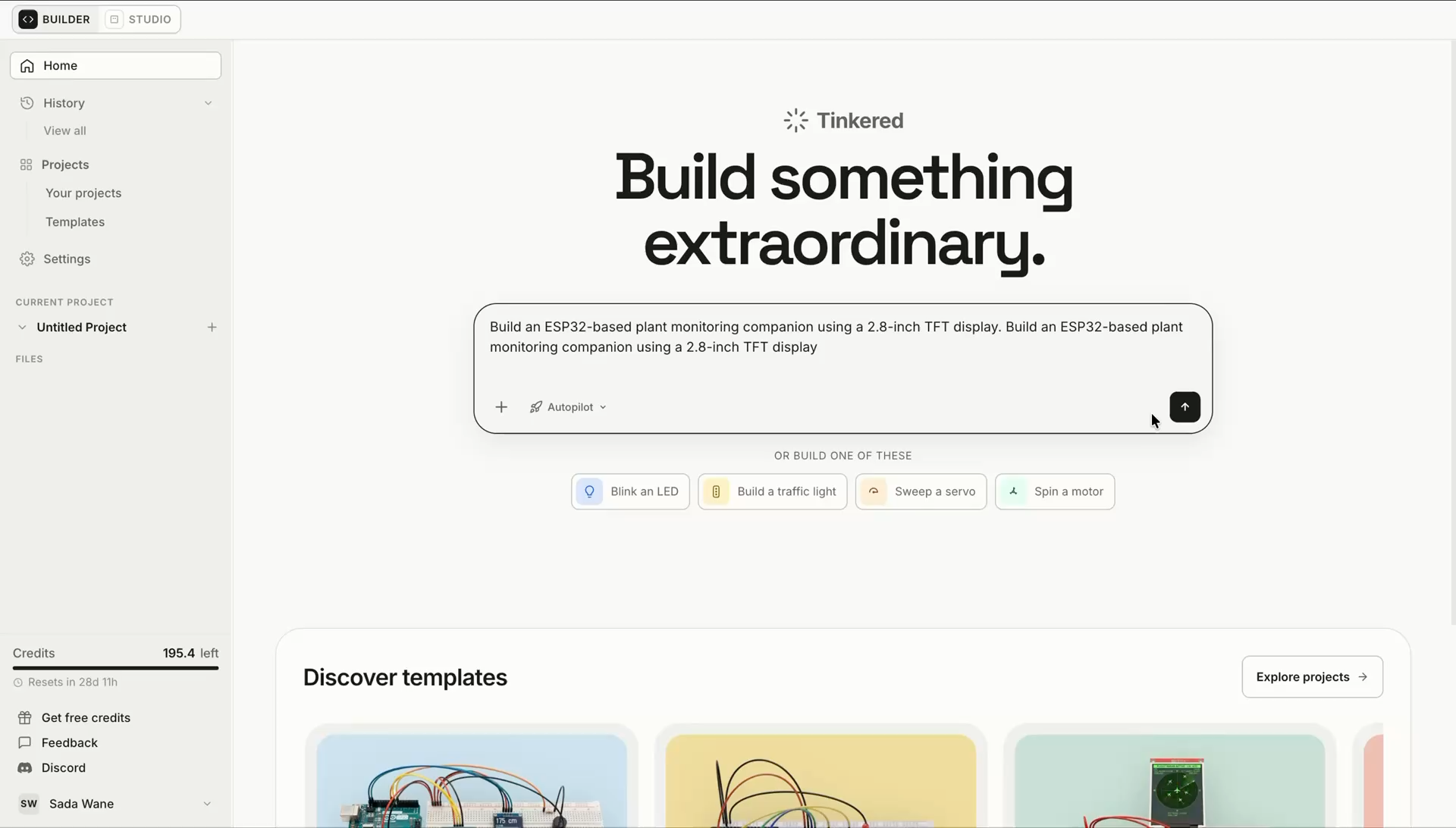
Start with an idea, schematic, or existing code. Tinkered keeps components, pin assignments, and board-specific firmware in sync as your device evolves.
Electronics projects often scatter requirements, component research, schematics, pin notes, and source code across disconnected tools. Every handoff is another place for the circuit and firmware to drift apart.
One device, scattered across
Tinkered keeps every component, connection, pin assignment, software interface, and engineering decision attached to the same editable device model.
Architecture, schematic, firmware, components, and review stay connected as different views of the same editable electronic device.
Turn requirements into a device architecture that defines the board, components, interfaces, power needs, and expected behavior.
A connected project is mostly the parts you cannot see: what the board published, what came back, what the page it serves actually returned. Tinkered simulates the network around ESP32 and ESP8266 boards and shows you that traffic while the firmware runs, so networking code stops being the part you debug by reflashing.
WiFi
WiFi.begin() associates and the board takes a real address on the simulated network. From there it does ordinary network work: resolves names, opens sockets, reconnects when it drops.
MQTT
Each project runs its own MQTT broker. Topics and payloads arrive as the board publishes them, alongside the connect, subscribe, and disconnect events most clients never surface. Publish into it yourself and the subscribe side of your firmware finally runs.
HTTP
If the firmware serves a page, it opens beside the running board. Interact with the page and the board responds, with the request landing in the same serial output you were already reading.
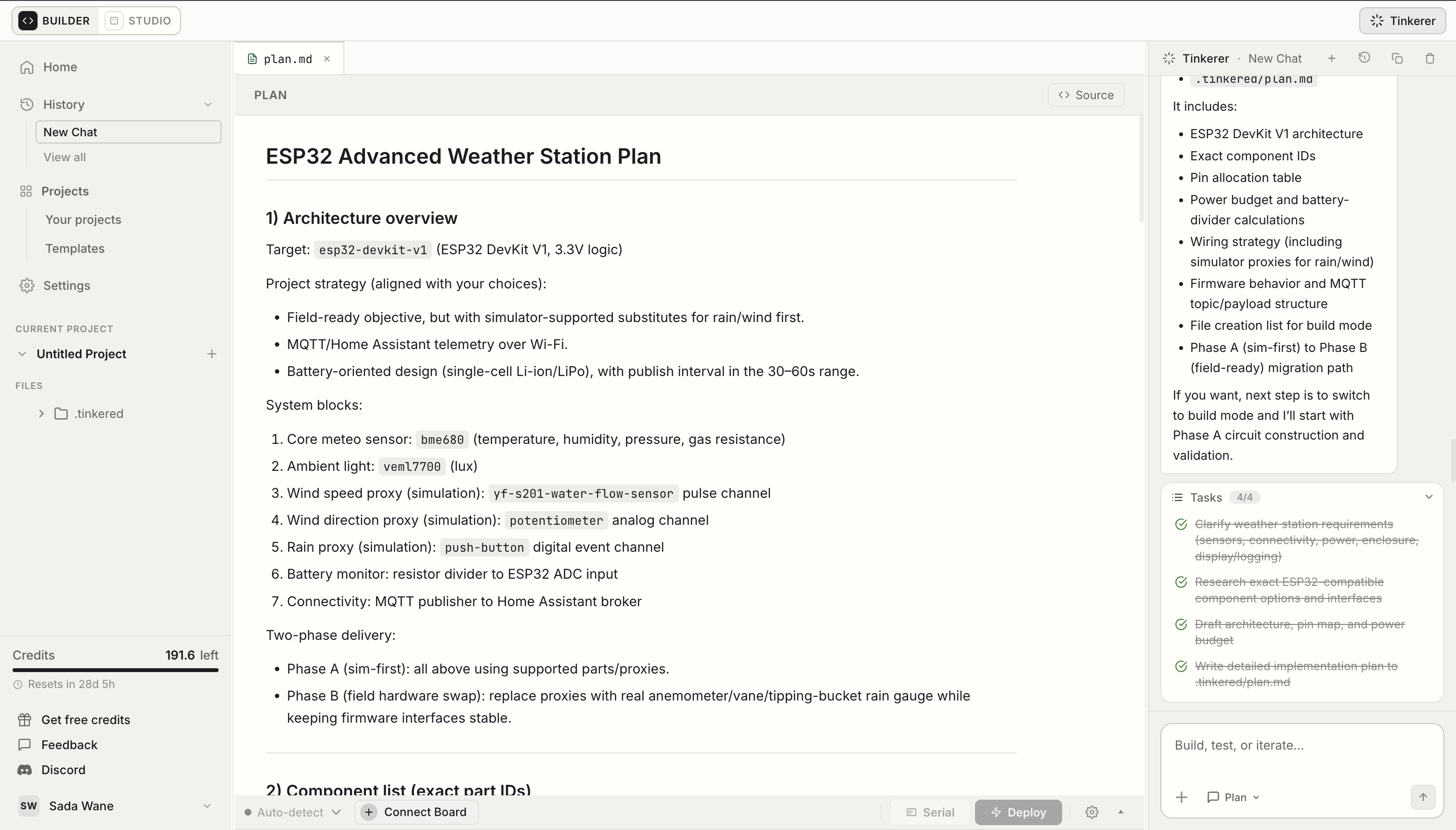
Begin with a new idea or bring an existing schematic, board, component list, or firmware project. Tinkered keeps every part of the design connected as it evolves.
Develop an editable circuit with the electrical detail needed to understand and change it.
Generate, import, or directly edit firmware while its board, components, and pin map remain visible.
Swap a sensor or target board and see the affected voltage requirements, connections, pins, dependencies, initialization code, and warnings together.
Edit requirements, components, schematic connections, pins, and source code directly. Then inspect why a decision was made, what conflicts with it, and which alternatives are available.
Still tinkering? Bring your circuit or firmware question to the community.
Join the communityTinkered creates an editable device project containing the circuit architecture, component research, schematic connections, board-specific firmware, pin assignments, and engineering review context. The same project can then move into 3D hardware simulation and physical deployment.
Yes. Tinkered can develop a schematic with component symbols, electrical values, power connections, interfaces, nets, and pin assignments. The schematic remains editable, so you can replace components, reroute connections, or adjust values as the design changes.
Yes. Tinkered develops board-specific C/C++ firmware for Arduino, ESP32, Raspberry Pi Pico, and other supported microcontroller families. It uses the selected board, components, interfaces, and pin map to establish the relevant libraries, definitions, initialization, and control logic.
Yes. Firmware for ESP32 and ESP8266 targets can bring up WiFi, publish and subscribe over MQTT, and serve a web page from the board. Those projects then run in the simulator with the network around them, so the connection, the message traffic, and the served page can be checked before any hardware is involved.
Yes. Source files remain directly editable. You can write firmware yourself, ask Tinkered to generate or revise part of it, or use generated code as a starting point while retaining control over the final implementation.
Yes. You can bring existing firmware into a new or existing device project. Tinkered can use the code's pins, peripherals, libraries, and behavior as context while you connect it to the corresponding circuit and components.
Both views reference the same device model. A component interface, schematic net, physical board pin, and firmware definition remain related, so hardware or software changes can surface the affected mappings, dependencies, and conflicts for review.
Tinkered can compile supported firmware targets and display the compiler output. Errors and warnings remain attached to the project so you can inspect them, revise the code or hardware configuration, and compile again.
Tinkered supports more than 1,300 development boards, including popular Arduino, ESP32, ESP8266, Raspberry Pi Pico, RP2040, STM32, Teensy, BBC micro:bit, nRF52, and Feather boards. The selected target keeps its compatible firmware frameworks, peripherals, and capabilities attached to the project.
Tinkered surfaces component compatibility, voltage, interface, peripheral, pin-mapping, dependency, and compilation issues as inspectable results and warnings, so you can resolve them while the circuit and firmware are still easy to change.
Yes. You can edit requirements, component choices, electrical values, schematic connections, pin assignments, libraries, and source code directly. Tinkered keeps the surrounding context visible so you can evaluate the consequences of each change.
Design the circuit and board-specific firmware together, inspect every decision, and carry one connected device into simulation.