Desktop weather station
Log temperature, humidity, and pressure and show them on an OLED or LCD, updating live as conditions change.
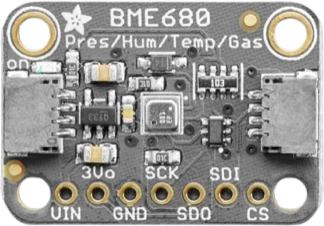
A Bosch BME280 breakout that measures barometric pressure, temperature, and relative humidity on one small board, talking to a microcontroller over I2C or SPI.
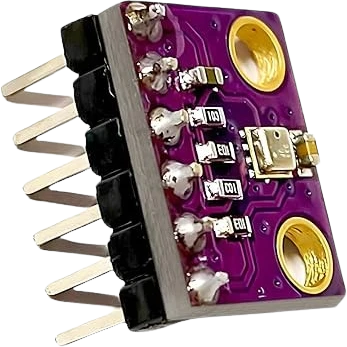
The BME280 is Bosch's combined environmental sensor. A single package reports barometric pressure across 300-1100 hPa, temperature from -40 to +85°C, and relative humidity from 0 to 100%. It is the humidity-capable member of the family (the closely related BMP280 measures only pressure and temperature), which makes it a popular one-chip solution for weather and climate sensing. This breakout adds an onboard 3.3V regulator and logic-level translation, so the same board works with both 3.3V and 5V microcontrollers.
Accuracy is strong for the size and price. Absolute pressure accuracy is about ±1.0 hPa, and the sensor's relative pressure accuracy is fine enough to resolve roughly a meter of altitude change, which is why it shows up in altimeters and forecasting projects. Humidity is specified to ±3% RH and temperature to ±1.0°C over the 0-65°C full-accuracy band. Power draw is in the microamp range at low sampling rates, so it suits battery-powered loggers.
The BME280 speaks I2C (up to 3.4 MHz) or SPI (up to 10 MHz). Over I2C the default address is 0x76, and the SDO pin (or a solder jumper) moves it to 0x77 so two sensors can share one bus. The chip stores factory calibration coefficients that must be read and applied to the raw output, so a library such as Adafruit_BME280 is the normal way to get compensated readings.
| Pin | Function | Type |
|---|---|---|
VCC VCC (3.3-5V) | Power | Power in |
GND GND | Power | Power in |
SCL SCL / SCK | I²C SCL · SPI SCK | Bidirectional (GPIO) |
SDA SDA / SDI | I²C SDA · SPI SDI | Bidirectional (GPIO) |
CSB CSB | Digital chip-select · SPI CS | Digital input |
SDO SDO / address | Digital I2C address select · SPI SDO | Digital input |
Verified from the Tinkered component library.
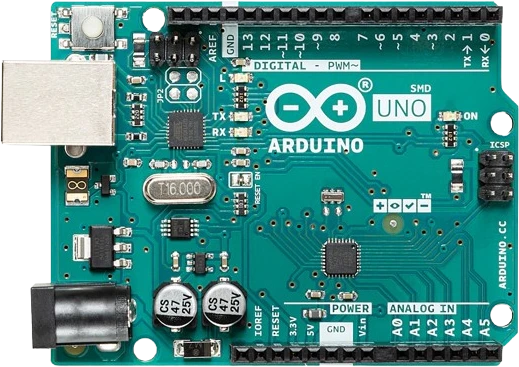
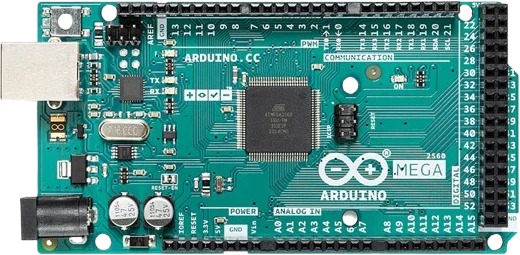
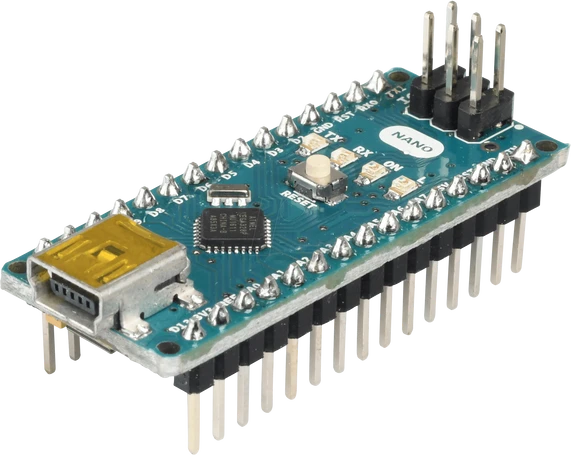
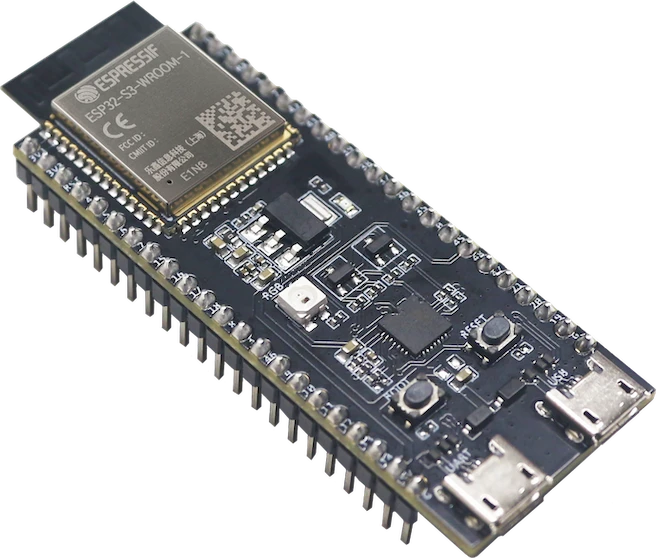
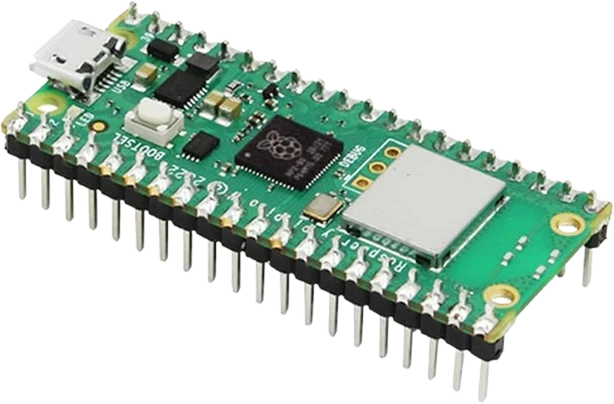
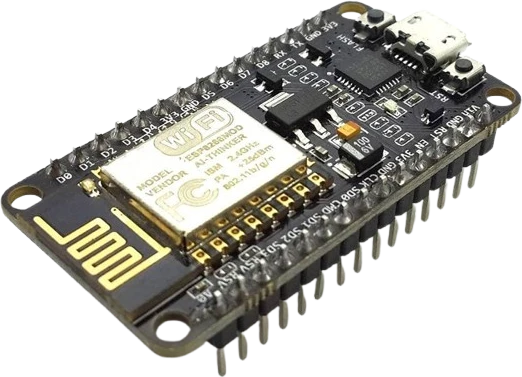
The BME280 connects to any of the microcontrollers supported in Tinkered. Mind the 3.3 V logic level on 3.3 V boards.
The BME280 is fully simulated in Tinkered. Wire it into a circuit, write your firmware, and read real values back with no physical hardware. Test your logic before you touch a breadboard.
Open it in the simulatorMany tutorials hard-code 0x77, but this board defaults to 0x76. If the device is not found, try the other address or run an I2C scanner before assuming the wiring is bad.
The two boards look nearly identical, but the BMP280 has no humidity sensor. If humidity reads zero or the library reports a mismatched chip ID, you likely have a BMP280, not a BME280.
Pulling raw values straight from the data registers gives numbers that look nothing like real pressure or temperature. The factory calibration coefficients must be read and applied first, which is why a driver library is strongly recommended.
The BME280's temperature reflects the die, not perfectly the surrounding air. Fast continuous sampling and heat from a nearby regulator or MCU can push the reading a degree or two high; sample slowly for accurate ambient temperature.
This breakout tolerates 3.3-5V because of its onboard regulator and level shifter. A regulator-less or 3.3V-only BME280 board can be damaged by 5V on VCC or on the I2C lines, so confirm which variant you have before wiring.
Log temperature, humidity, and pressure and show them on an OLED or LCD, updating live as conditions change.
Use the sensor's fine relative-pressure resolution to track altitude changes of roughly a meter for drones, rockets, or hiking gadgets.
Watch room humidity and temperature to flag condensation risk or trigger a fan or dehumidifier.
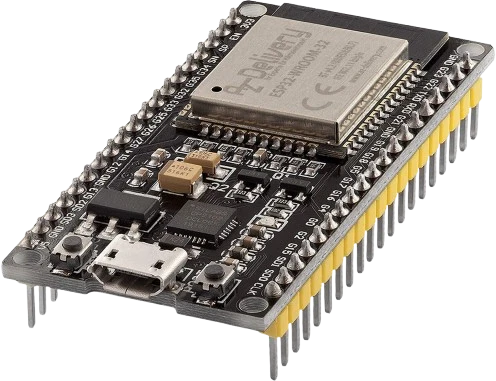
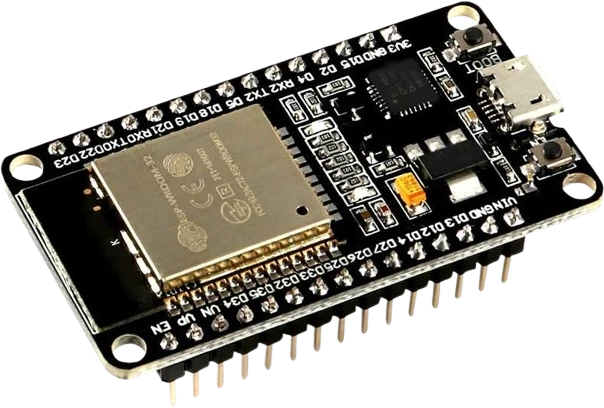
Pair with an ESP32 or ESP8266 to stream readings to a dashboard or cloud service for long-term trend tracking.
Track the pressure trend over time to predict improving or worsening weather with a rising-or-falling indicator.
Drop the BME280 into a circuit, write firmware, and simulate it in your browser, then deploy to real hardware. All in one editable Tinkered project.