Room climate monitor
Show live temperature and humidity on an LCD or OLED, refreshing every couple of seconds for a desk, greenhouse, or nursery readout.
A factory-calibrated digital sensor that reports both relative humidity and temperature over a single data wire.
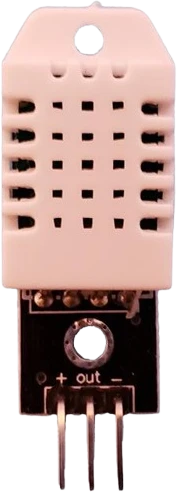
The DHT22 (also sold as the AM2302) combines a capacitive humidity element and a thermistor with an onboard chip that outputs factory-calibrated readings as a digital signal. It runs on 3.3-5V and communicates over one bidirectional DATA line using a proprietary single-wire timing protocol, not Dallas 1-Wire or I2C, so it needs no device address and occupies a single GPIO.
It measures relative humidity across the full 0-100% RH range with a typical accuracy of about ±2% RH, and temperature from -40 to 80°C with accuracy near ±0.5°C. Both channels report to 0.1 resolution. Each measurement is sent as a 40-bit frame: 16 bits of humidity, 16 bits of temperature, and an 8-bit checksum the host uses to validate the read.
The DHT22 samples slowly. The datasheet limits polling to no more than once every 2 seconds (0.5 Hz), and faster requests tend to return stale or invalid data. After power is applied it needs roughly 1-2 seconds to stabilize before the first valid reading. Its slow update rate and modest accuracy make it well suited to ambient environmental monitoring rather than fast control loops.
| Pin | Function | Type |
|---|---|---|
VCC + (3.3-5V) | Power | Power in |
DATA Out (Data) | 1-Wire | Bidirectional (GPIO) |
GND - (GND) | Power | Power in |
Verified from the Tinkered component library.
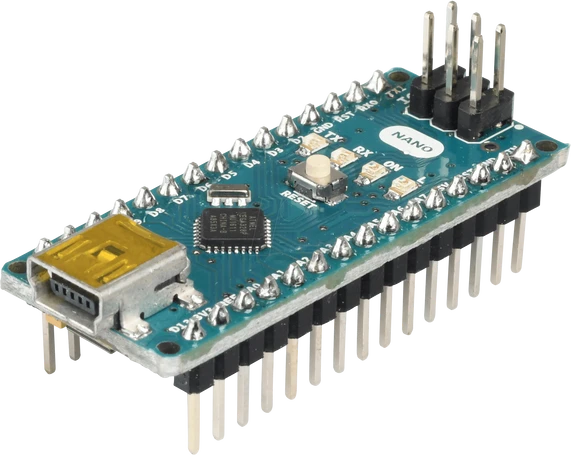
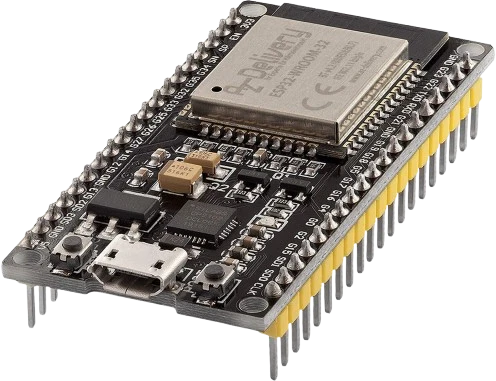
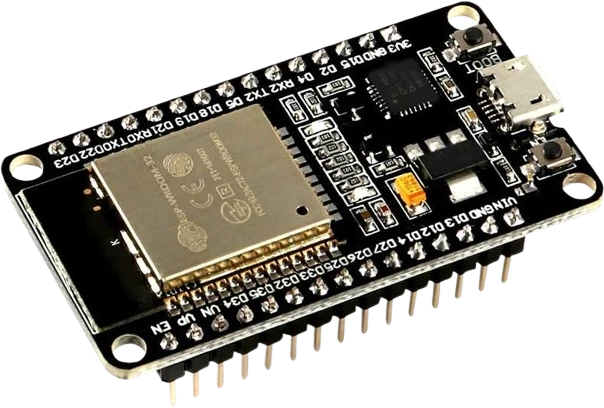
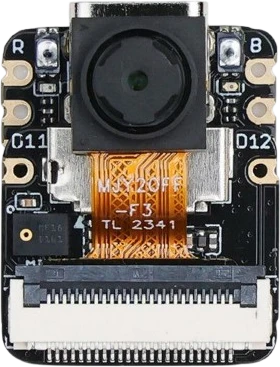
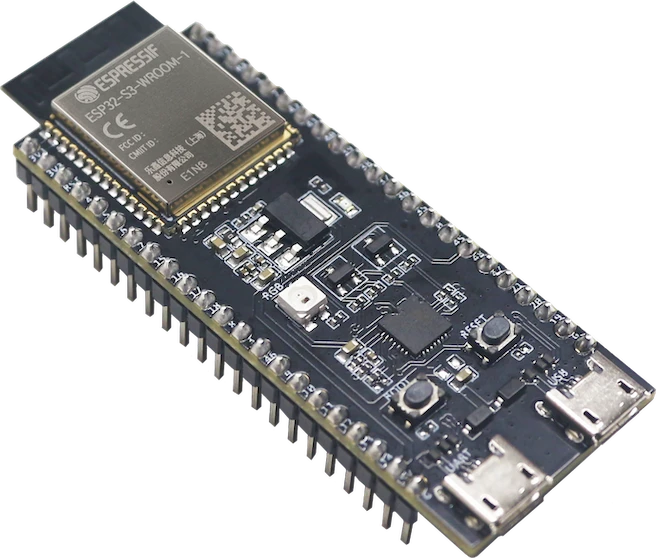
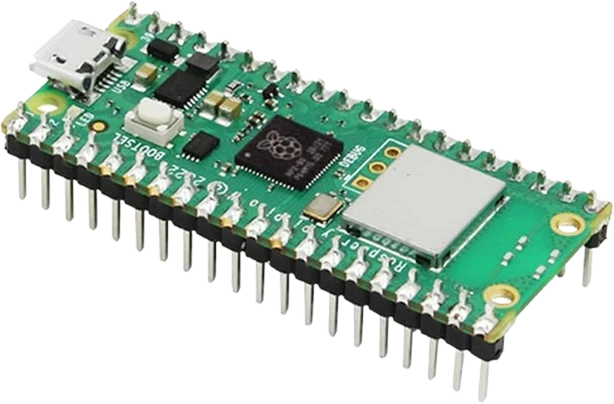
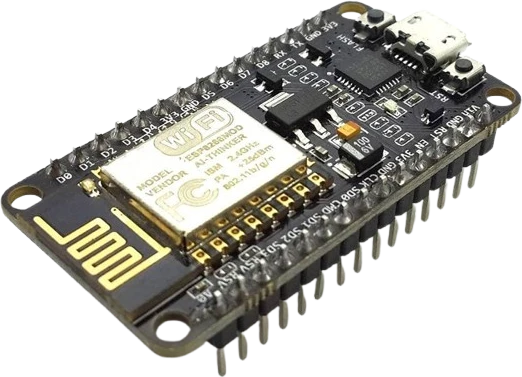
The DHT22 connects to any of the microcontrollers supported in Tinkered. Mind the 3.3 V logic level on 3.3 V boards.
The DHT22 is fully simulated in Tinkered. Wire it into a circuit, write your firmware, and read real values back with no physical hardware. Test your logic before you touch a breadboard.
Open it in the simulatorThe single data line idles high and needs a pull-up (typically 4.7kΩ to 10kΩ) to VCC. Without it the bus never settles to a valid high, so reads time out or fail their checksum. Bare sensors usually omit the resistor even though breakout modules include it.
The DHT22 refreshes only about once every 2 seconds. Reading it more often returns the previous cached value or a checksum error, which looks like a frozen or unreliable sensor rather than a timing limit.
The sensor needs roughly one second to stabilize after power is applied. A read issued too early often fails, so add a short delay in setup() before the first request.
Despite the single data pin, the DHT22 uses its own timing-based protocol, not Dallas 1-Wire or I2C. It has no address and cannot share a bus, so give it a dedicated GPIO and a matching library such as DHT or DHTNEW.
Bare 4-pin DHT22 parts leave one pin unused and order their pins differently than 3-pin AM2302 breakouts. Connecting power and data by position rather than by the labeled pins is a frequent cause of no response or an overheating sensor.
Show live temperature and humidity on an LCD or OLED, refreshing every couple of seconds for a desk, greenhouse, or nursery readout.
Switch a relay-driven fan, heater, or humidifier when temperature or humidity crosses a setpoint.
Record indoor or outdoor readings to an SD card or push them to a cloud dashboard over Wi-Fi with an ESP32 or ESP8266.
Keep a plant tent or reptile enclosure in range by automating misting and ventilation from the sensor readings.
Drop the DHT22 into a circuit, write firmware, and simulate it in your browser, then deploy to real hardware. All in one editable Tinkered project.