Rainbow and color-wheel animations
The 16 evenly spaced pixels map naturally to a hue wheel, making smooth rotating rainbows and breathing effects a classic first project with the Adafruit NeoPixel or FastLED libraries.
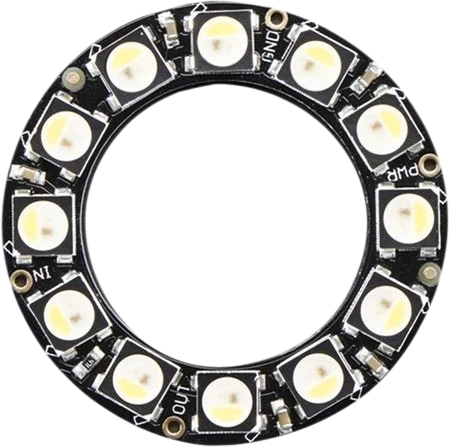
A 44.5mm ring of 16 individually addressable WS2812B RGB LEDs driven over a single data wire and chainable end to end.
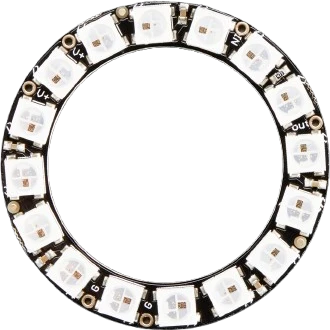
The NeoPixel Ring 16 packs 16 individually addressable 5050 RGB LEDs into a 44.5mm circle. Each LED has its own WS2812B controller chip built into the package (Adafruit notes rings may also ship with protocol-compatible SK6812 pixels), so every pixel can be set to any 24-bit color independently while the whole ring uses just one microcontroller data pin. It runs on 5V and exposes four connections: +5V, GND, a data input (DIN), and a data output (DOUT).
Control uses the WS2812 single-wire timing protocol. Color data enters the first pixel at DIN, that pixel latches its own 24 bits, and it forwards the remaining data out through DOUT to the next pixel in the chain. Because the timing is strict, the ring needs a real-time microcontroller running at 8MHz or faster (an AVR/Arduino is fine) and 5V logic levels. Multiple rings or strips can be chained by wiring one ring's DOUT to the next ring's DIN.
Power budget matters: at full-brightness white each pixel can draw up to roughly 60mA, so all 16 lit at once approach 1A at 5V. That is well beyond what an Arduino's onboard regulator should supply, so a fully lit ring generally needs a dedicated 5V source with the ring and microcontroller sharing a common ground.
| Pin | Function | Type |
|---|---|---|
VCC +5V | Power | Power in |
GND GND | Power | Power in |
DIN DIN | Digital · 1-Wire WS2812 | Digital input |
DOUT DOUT | Digital · 1-Wire WS2812 | Free |
Verified from the Tinkered component library · Adafruit.
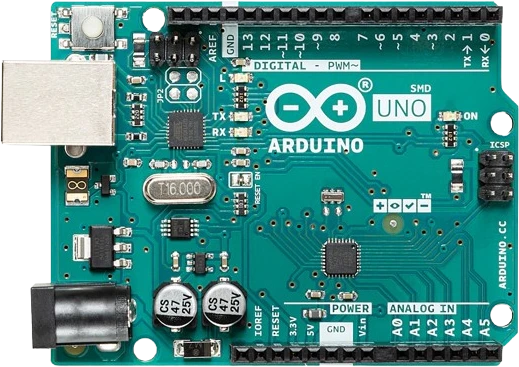
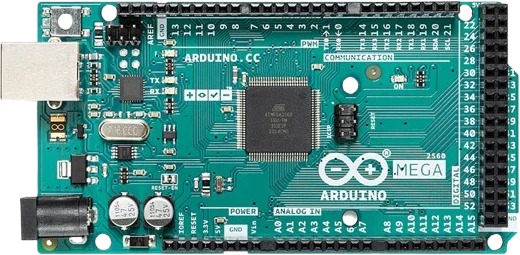
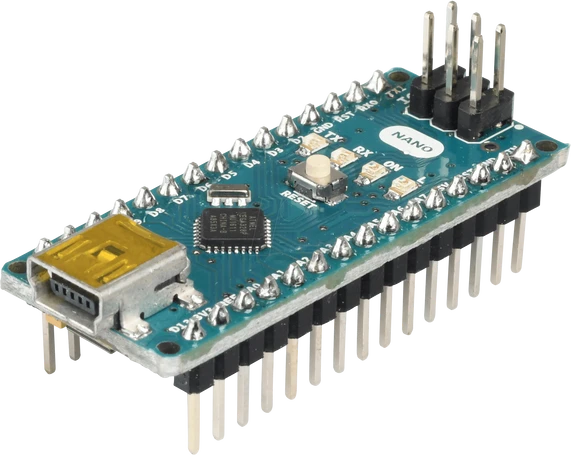
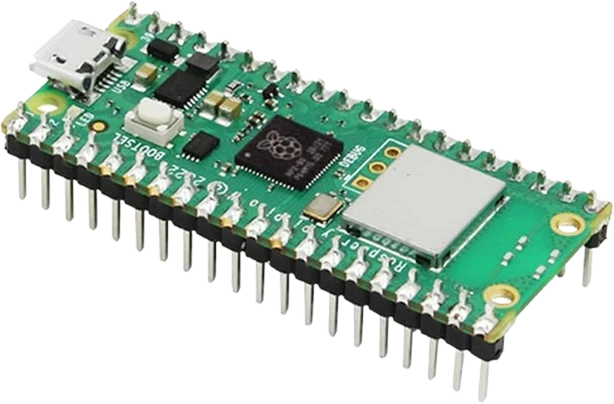
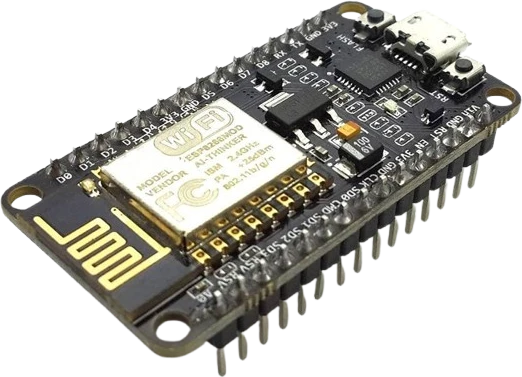
The NeoPixel Ring 16 connects to any of the microcontrollers supported in Tinkered. Mind the 5 V logic level on 3.3 V boards.
The NeoPixel Ring 16 is fully simulated in Tinkered. Wire it into a circuit, write your firmware, and read real values back with no physical hardware. Test your logic before you touch a breadboard.
Open it in the simulatorThe ring is directional. Signal must enter DIN and leave DOUT. Connecting the microcontroller to DOUT (or reversing rings in a chain) leaves the pixels dark or garbled. Match the direction arrows on the board.
Sixteen pixels at full white draw close to 1A, far more than the Arduino's regulator is meant to source. This causes brownouts, flicker, or resets. Use a separate 5V supply and share grounds.
Without a 300-500 ohm series resistor on the data line and a 500-1000uF capacitor across the supply, the first pixel can be damaged and the ring may glitch from signal ringing and current spikes.
A 3.3V data high is below the WS2812's required threshold. It may appear to work on the bench but glitches intermittently. Add a level shifter or run the pixels closer to the logic voltage.
When the ring uses its own 5V supply, its ground must still connect back to the microcontroller ground. Without a shared reference the data signal has no return path and the pixels behave erratically.
The 16 evenly spaced pixels map naturally to a hue wheel, making smooth rotating rainbows and breathing effects a classic first project with the Adafruit NeoPixel or FastLED libraries.
Sixteen pixels form a compact analog-style face for a clock or timer, lighting individual positions to indicate seconds, progress, or countdown state.
Fed by a microphone or line-level input, the ring lights up in proportion to sound level for a circular volume or spectrum display.
A single addressable ring makes an eye-catching status light for builds and dashboards, using color and animation to signal state, alerts, or activity.
Drop the NeoPixel Ring 16 into a circuit, write firmware, and simulate it in your browser, then deploy to real hardware. All in one editable Tinkered project.