Circular clock face
Map the 60 pixels to the 60 seconds (and scaled hours/minutes) of a clock, lighting hands as moving colored dots for an ambient LED timepiece.
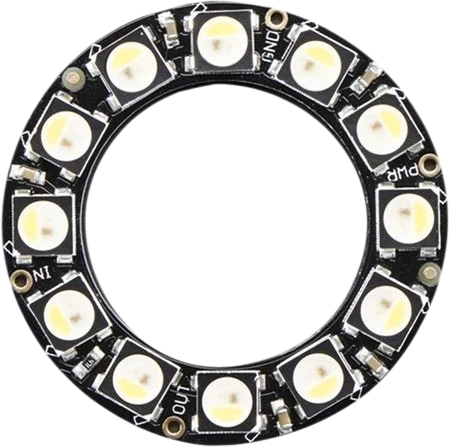
A ring of 60 individually addressable 5050 RGB LEDs (WS2812B) driven over a single data wire.
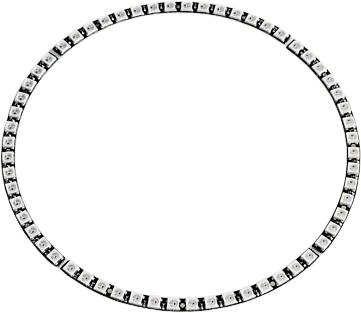
The NeoPixel Ring 60 is a circular board carrying 60 chainable RGB LEDs, each with an integrated WS2812B driver chip. Every pixel is individually addressable, so you can set its own color and brightness from a single microcontroller pin. The ring measures about 157.5mm (6.2 in) across and roughly 3.6mm thick, and weighs about 16g.
Each LED reads the first 24 bits of the incoming data stream (8 bits each for green, red, and blue), then passes the rest of the stream out its DOUT pin to the next pixel. This means one data line controls all 60 pixels, and the board's DOUT can feed the DIN of another ring or strip to extend the chain. The protocol runs at 800 kHz with tight timing, so it needs a real-time microcontroller (8 MHz or faster) rather than an interpreted or Linux-based system.
The ring runs on 5V. At full-brightness white a single pixel can draw up to roughly 60mA (about 20mA per color channel), so all 60 pixels lit white can pull on the order of 3.5A. Size your 5V supply and wiring for that worst case, not for a typical animation.
| Pin | Function | Type |
|---|---|---|
VCC +5V | Power | Power in |
GND GND | Power | Power in |
DIN DIN | Digital · 1-Wire WS2812 | Digital input |
DOUT DOUT | Digital · 1-Wire WS2812 | Free |
Verified from the Tinkered component library · Adafruit.
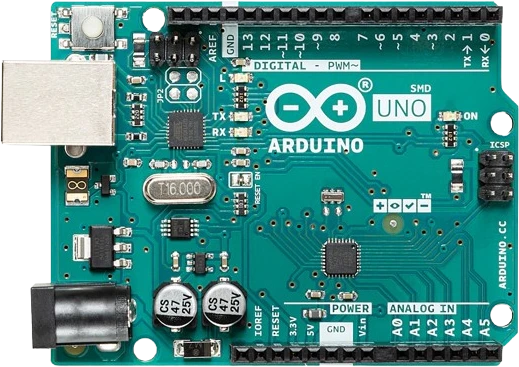
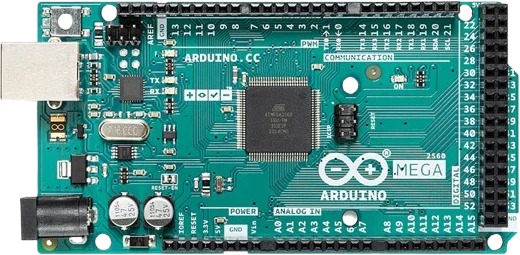
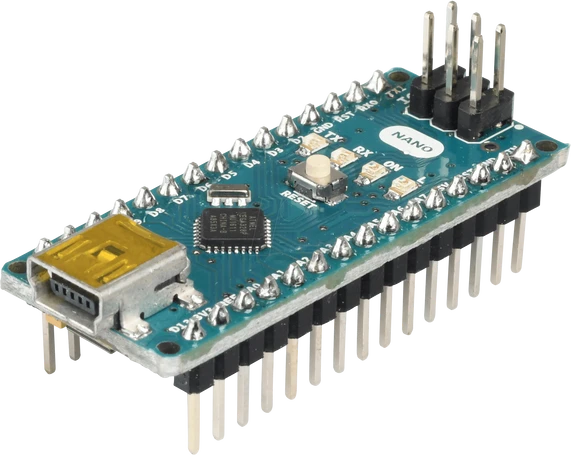
The NeoPixel Ring 60 connects to any of the microcontrollers supported in Tinkered. Mind the 5 V logic level on 3.3 V boards.
The NeoPixel Ring 60 is fully simulated in Tinkered. Wire it into a circuit, write your firmware, and read real values back with no physical hardware. Test your logic before you touch a breadboard.
Open it in the simulator60 pixels at full white can draw around 3.5A, far beyond what an Arduino's regulator or USB port can supply. Use a dedicated 5V supply rated for the peak load and only share ground with the board.
The signal is directional. The controller must connect to DIN; DOUT is only for passing data onward to the next ring. Check the printed arrow or the IN/OUT labels before soldering.
WS2812B pixels want near-5V logic highs. Feeding raw 3.3V data can cause flicker, wrong colors, or dead pixels, especially on the first LED. Level-shift the data line to 5V.
Without a 300-500 ohm data resistor and a ~1000uF capacitor across power, the inrush spike and signal ringing can damage or randomly reset the first pixel. Add both, mounted close to the ring.
When the ring uses a separate power supply, its ground must still connect to the microcontroller ground. Without a shared ground reference the data signal has no return path and the pixels behave erratically.
Map the 60 pixels to the 60 seconds (and scaled hours/minutes) of a clock, lighting hands as moving colored dots for an ambient LED timepiece.
Feed a microphone or line-level signal into an analog pin and light pixels around the ring in proportion to sound level for a spinning volume meter.
Use a NeoPixel library to sweep hue around all 60 pixels or run a fading comet trail, a classic showcase of per-pixel addressing.
Mount the ring behind a diffuser as a large indicator that pulses or changes color for timers, weather, or incoming notifications.
Drop the NeoPixel Ring 60 into a circuit, write firmware, and simulate it in your browser, then deploy to real hardware. All in one editable Tinkered project.