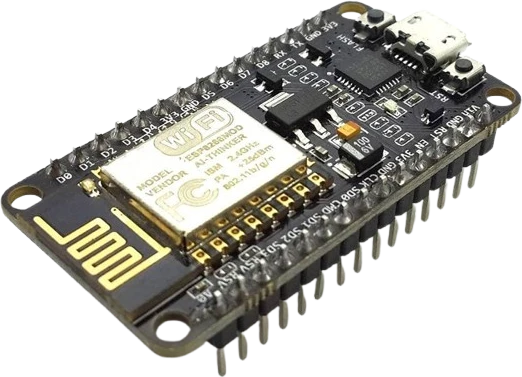
Melody and ringtone player
Use tone() with an array of note frequencies and durations to play songs, jingles, or startup chimes from a single output pin.
A two-terminal piezoelectric buzzer that turns a PWM square wave into audible tones and alerts.
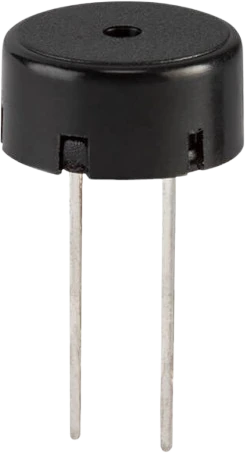
The piezo buzzer is a compact actuator that converts an electrical signal into sound using a piezoelectric ceramic disc. It has just two terminals, + (Signal) and - (GND), and measures about 12 x 8.5 x 12 mm, making it easy to drop onto a breadboard or panel. It runs at a 5V nominal drive level and tolerates up to roughly 12V, so it works directly from common 3.3-5V microcontroller logic.
This is a passive piezo element, which means it has no internal oscillator and produces no sound from steady DC. You feed the + pin a PWM or square-wave signal, and the frequency of that signal sets the pitch. On Arduino the tone() function generates the waveform for you, letting you play single beeps, alarms, or full melodies. The piezo is loudest near its mechanical resonant frequency, which for buzzers of this size sits in the low-kilohertz range where the human ear is most sensitive.
Because the piezo element is essentially a small capacitor, it draws only a few milliamps and can be driven straight from a microcontroller pin without a transistor or amplifier. That makes it a go-to part for user feedback: keypress clicks, low-battery warnings, timer alarms, proximity alerts, and simple music. Its sound is thin and sharp rather than rich, which is exactly what makes it cut through as an alert.
Verified from the Tinkered component library.
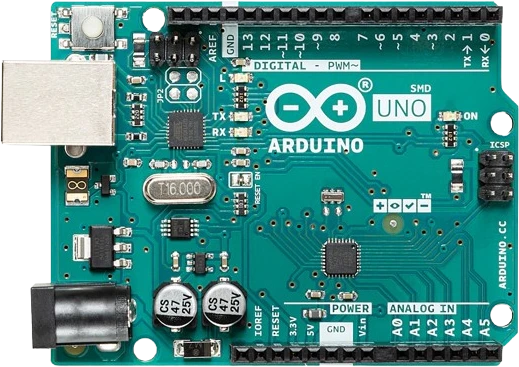
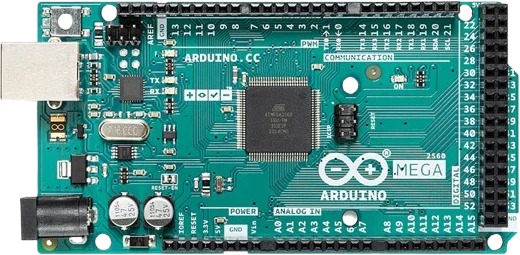
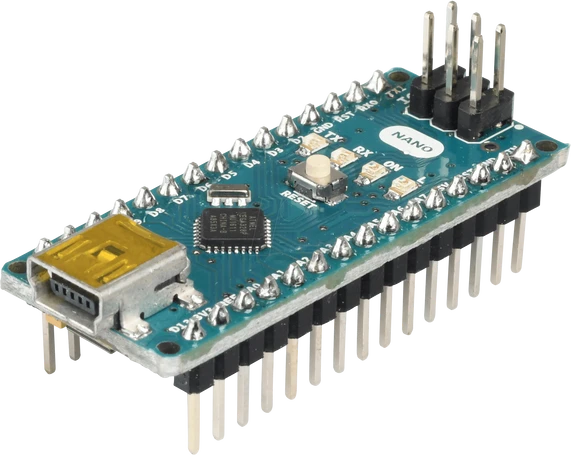
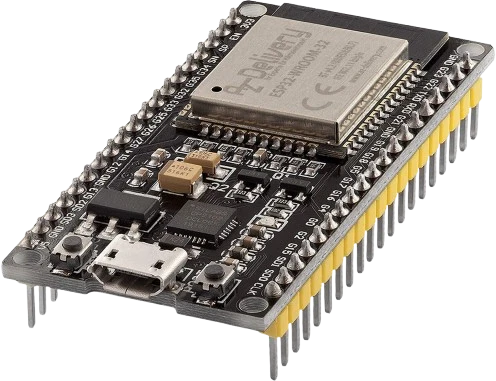
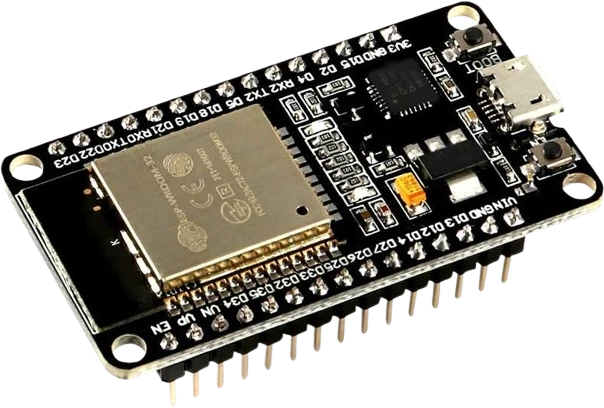
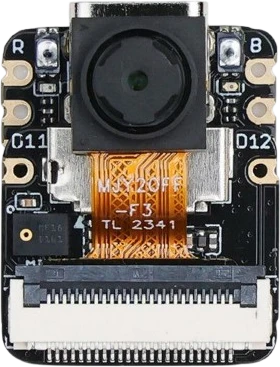
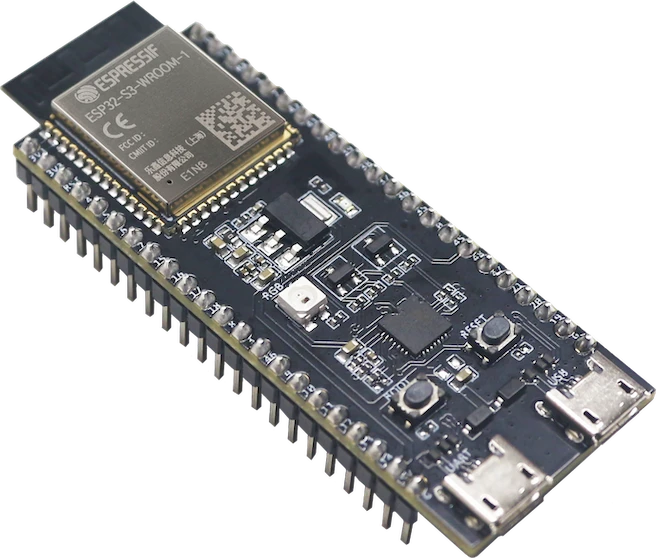
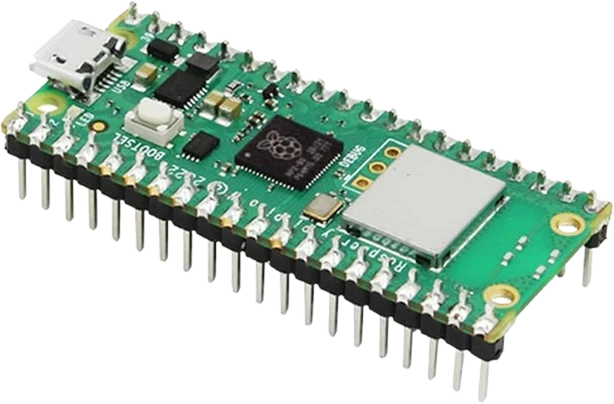
The Piezo Buzzer connects to any of the microcontrollers supported in Tinkered. Mind the 5 V logic level on 3.3 V boards.
A passive piezo needs an oscillating signal. Setting the pin permanently HIGH charges the element once and you hear only a faint click. Use tone(pin, frequency) or a PWM square wave to get a sustained sound.
An active buzzer has a built-in oscillator and beeps at one fixed pitch whenever it gets DC. This passive piezo has no oscillator: it stays silent on DC but can play any pitch you feed it. Running active-buzzer code (plain HIGH/LOW) on a passive part gives no tone.
analogWrite() outputs PWM at a fixed hardware frequency (roughly 490 or 980 Hz) and only varies duty cycle, so it cannot change the note. Use tone() to control the frequency (pitch) instead.
A bare piezo disc is intentionally quiet and thin-sounding. It is meant as an alert, not audio playback. If you need it louder, drive it near its resonant frequency and/or switch it through a transistor from a higher supply voltage.
On the Uno, tone() commandeers Timer2, which also controls PWM on pins 3 and 11. If you are dimming an LED or driving a motor on those pins, tone() will disrupt them until noTone() is called.
Use tone() with an array of note frequencies and durations to play songs, jingles, or startup chimes from a single output pin.
Pair the buzzer with an HC-SR04 sensor and beep faster as an object gets closer, a classic parking-sensor or proximity-warning build.
Sound an alarm pattern when a timer reaches zero, combined with a button to start and an LCD or 7-segment display for the countdown.
Flash an LED, start a millis() timer, and buzz when the player presses the button too early or reacts, scoring their response speed.
Add a short confirmation beep on each button or keypad press and a distinct error tone for invalid input to give tactile projects audible feedback.
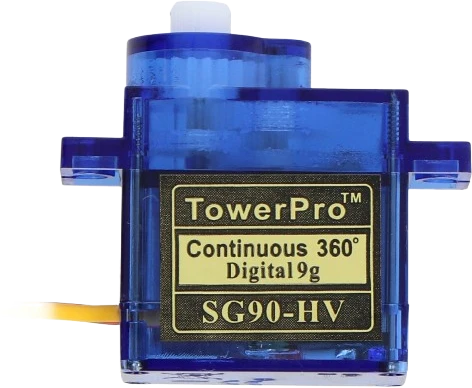
servo-sg90Compact positional servo
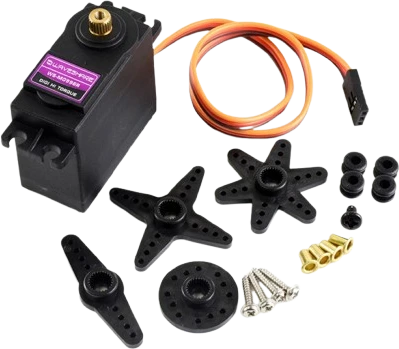
servo-mg996r-straightHigh-torque servo variant
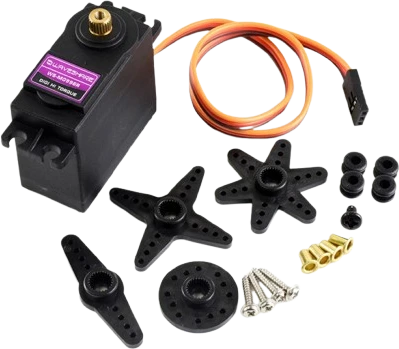
servo-mg996r-crossHigh-torque servo variant
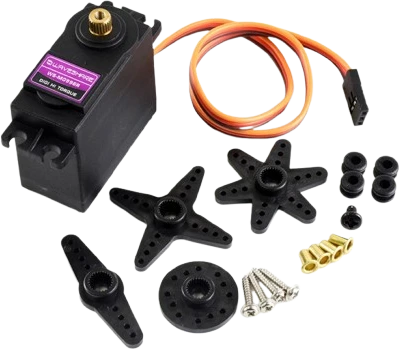
servo-mg996r-starHigh-torque servo variant
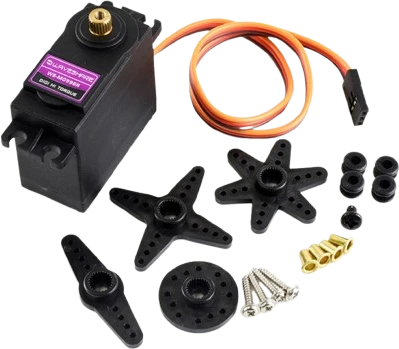
servo-mg996r-roundHigh-torque servo variant
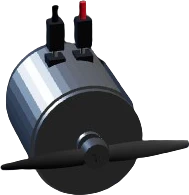
dc-motorBrushed direct-current motor
Drop the Piezo Buzzer into a circuit, write firmware, and simulate it in your browser, then deploy to real hardware. All in one editable Tinkered project.